Inventory

Bring your district’s edtech under one roof

See the apps your district uses, understand what’s connected, and help teachers find approved tools.
GoTeacher Inventory dashboard cover

A clearer picture starts with knowing what’s there

Find the unknowns

See the apps being used across your district, including tools outside your approved list.

Find the unknowns

See the apps being used across your district, including tools outside your approved list.

Find the unknowns

See the apps being used across your district, including tools outside your approved list.

Skip the searching

Bring app information together so answers are easier to find.

Skip the searching

Bring app information together so answers are easier to find.

Skip the searching

Bring app information together so answers are easier to find.

Help teachers choose

Make approved tools easy to discover and put to use.

Help teachers choose

Make approved tools easy to discover and put to use.

Help teachers choose

Make approved tools easy to discover and put to use.

From scattered apps to a useful inventory

Usage Breakdown

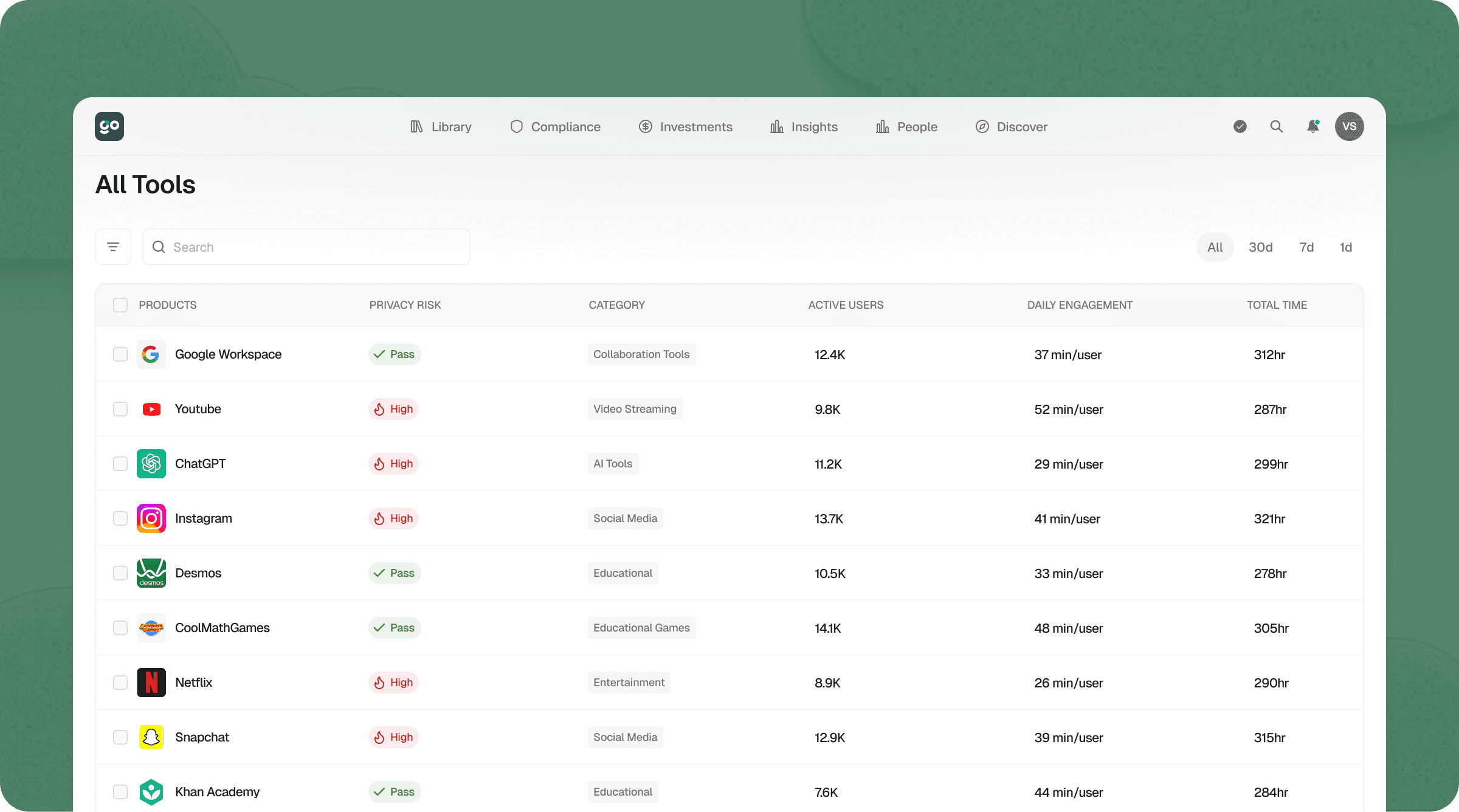
Explore app usage by school, grade, and user. See where tools are being adopted and where a closer look could help your team support their use.

Project card interface

Usage Breakdown

Explore app usage by school, grade, and user. See where tools are being adopted and where a closer look could help your team support their use.

Project card interface

Teacher Library

Give teachers a searchable directory of district-approved apps. Help them find tools they can use with confidence, with fewer emails asking what’s available or allowed.

Automation ui

Teacher Library

Give teachers a searchable directory of district-approved apps. Help them find tools they can use with confidence, with fewer emails asking what’s available or allowed.

Automation ui

Connected Apps

Bring Google and Microsoft app connections, access logs, and permissions into view. See which tools have access to district data and understand what they can access.

Connected Apps

Bring Google and Microsoft app connections, access logs, and permissions into view. See which tools have access to district data and understand what they can access.

Hillary Croissant

Director of Curriculum

“GoTeacher allowed us to look at the programs we have a contracted partnership with, but also what students and teachers were going to that we didn’t have a contract with. That helped us guide teachers and campuses toward more approved resources for our district.”

Melissa school

Put your inventory to work

Invoice details
Invoice details

Compliance

Connect your app inventory with privacy agreements and permissions. Find gaps that need attention and take action to better protect your district’s data.

Compliance

Connect your app inventory with privacy agreements and permissions. Find gaps that need attention and take action to better protect your district’s data.

Compliance

Connect your app inventory with privacy agreements and permissions. Find gaps that need attention and take action to better protect your district’s data.

Backlog interface
Backlog interface

Analytics

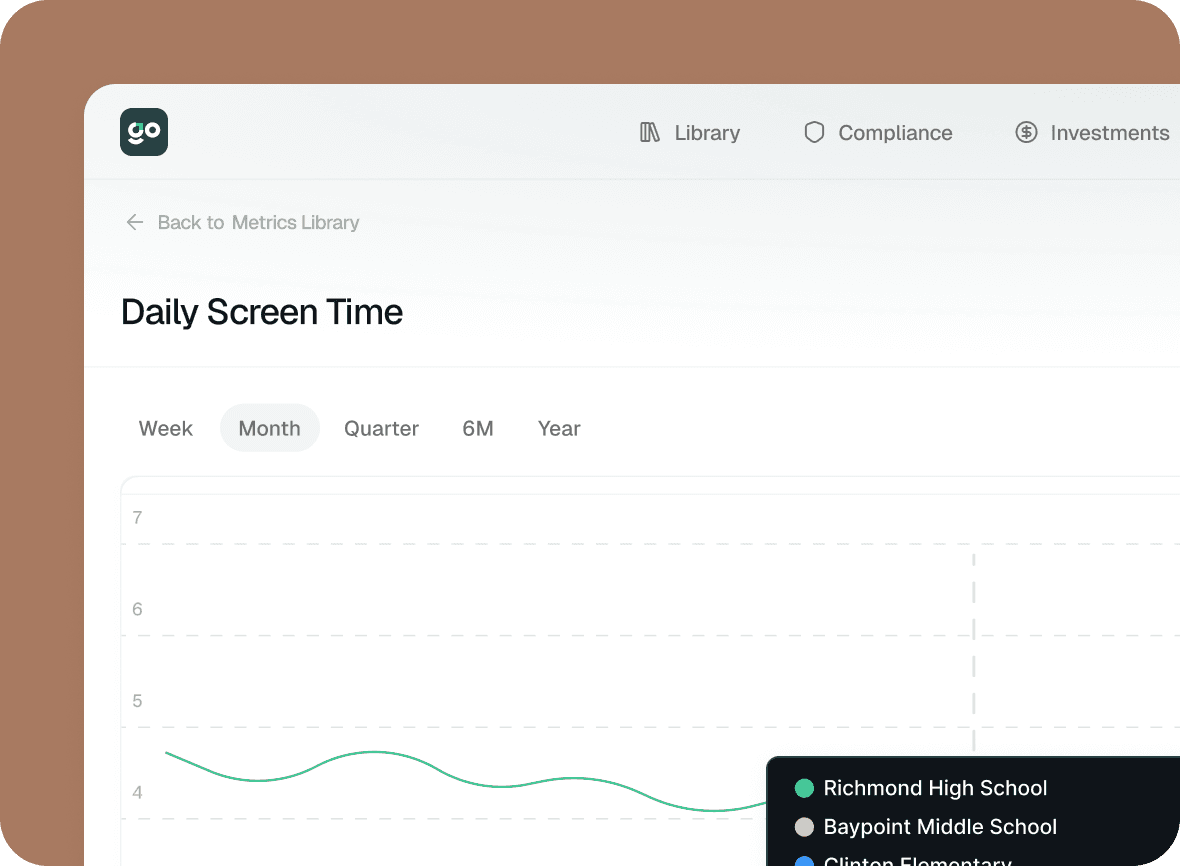
Understand who uses the tools in your inventory, how often, and for how long. Give your team a clearer picture of adoption across the district.

Analytics

Understand who uses the tools in your inventory, how often, and for how long. Give your team a clearer picture of adoption across the district.

Analytics

Understand who uses the tools in your inventory, how often, and for how long. Give your team a clearer picture of adoption across the district.